Ordavya

●  Ordavya Demo

Review the app and dashboard screen by screen.

Browse real screens from the customer app, restaurant management tools, and notifications to see what each part does.

See Ordavya in action

Clear screens for customers. Practical tools for your team.

Explore real Ordavya screens for browsing, ordering, and loyalty, alongside tools for managing orders, customers, and restaurant settings.

Customer experience

The customer journey starts in an app that feels like your brand.

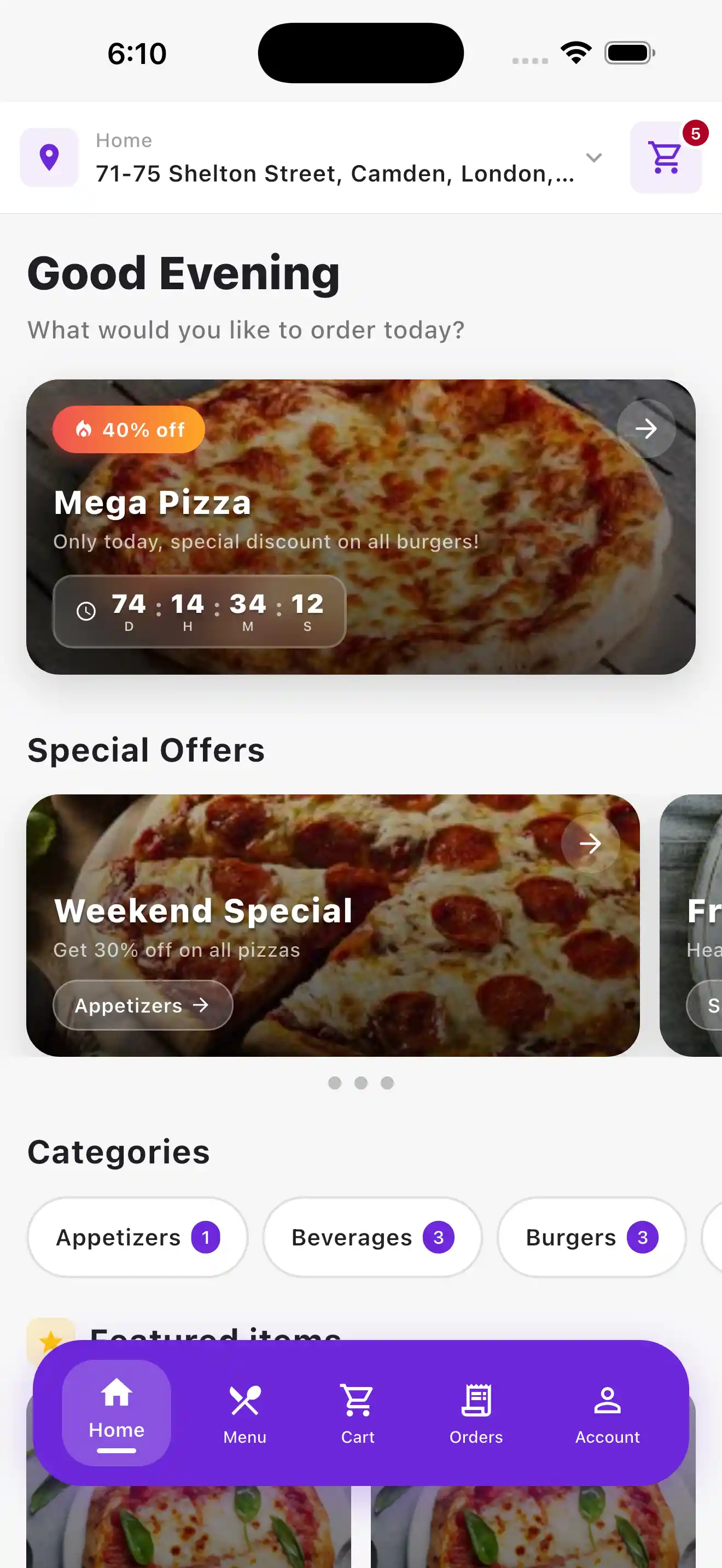
Customers can discover offers, browse categories, see featured products, and begin ordering directly from your restaurant.

Designed around your brand

Your products, offers, and customer experience come together in an app carrying your identity.

Ordavya customer app home screen
Customer experience

●  All Demo Screens

See the customer and management screens.

Review the main screens used for ordering and restaurant management.

Home & Discovery — Ordavya screen

CUSTOMER APP

Home & Discovery

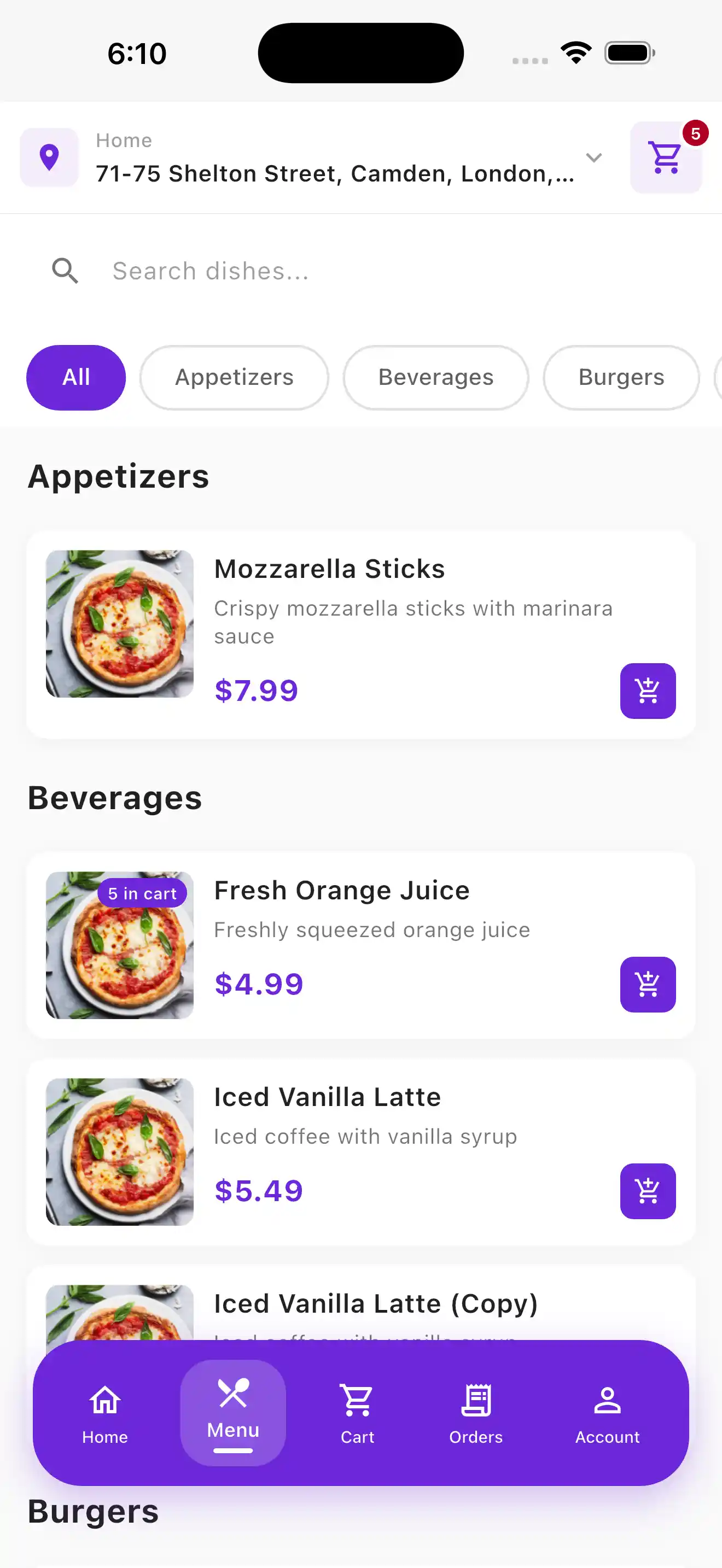
Menu & Products — Ordavya screen

CUSTOMER APP

Menu & Products

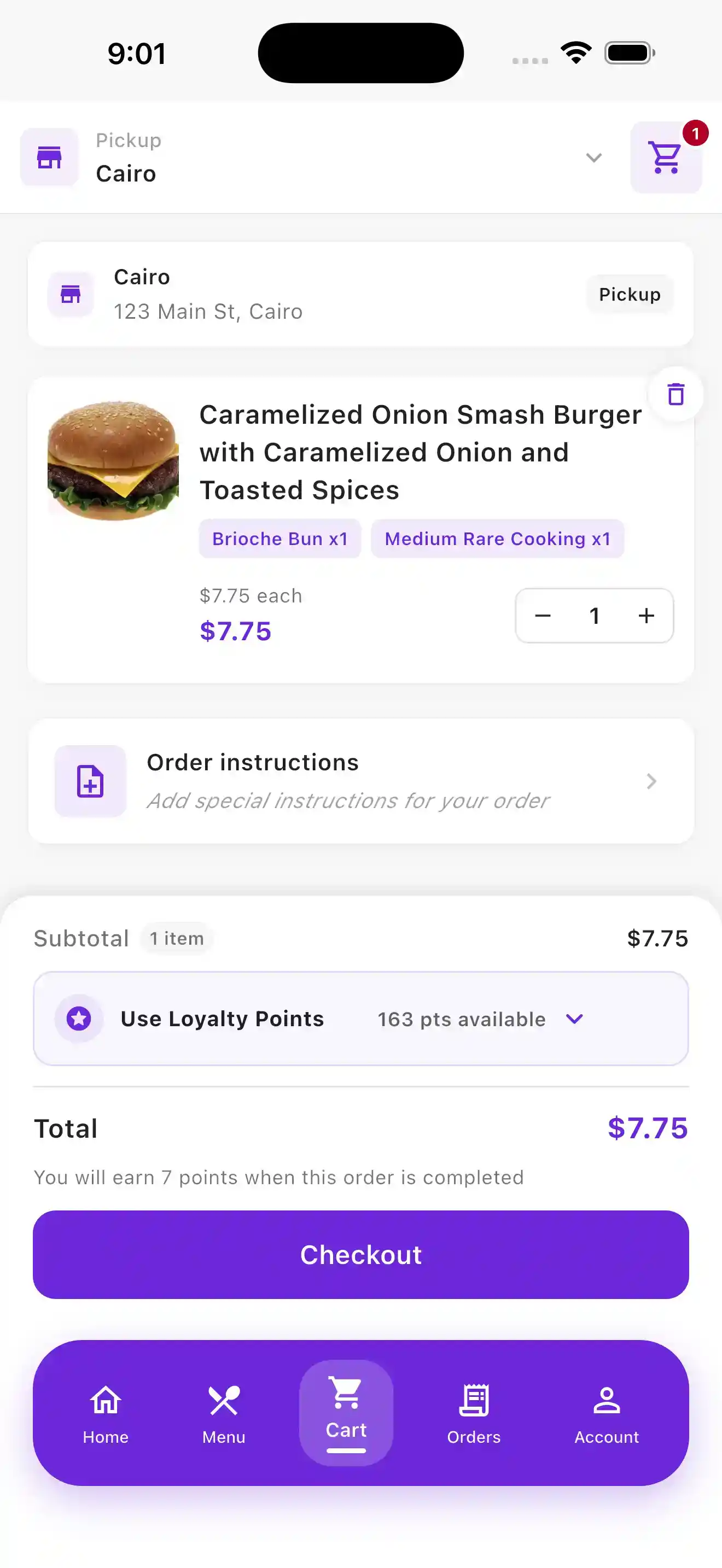
Cart & Checkout — Ordavya screen

CUSTOMER APP

Cart & Checkout

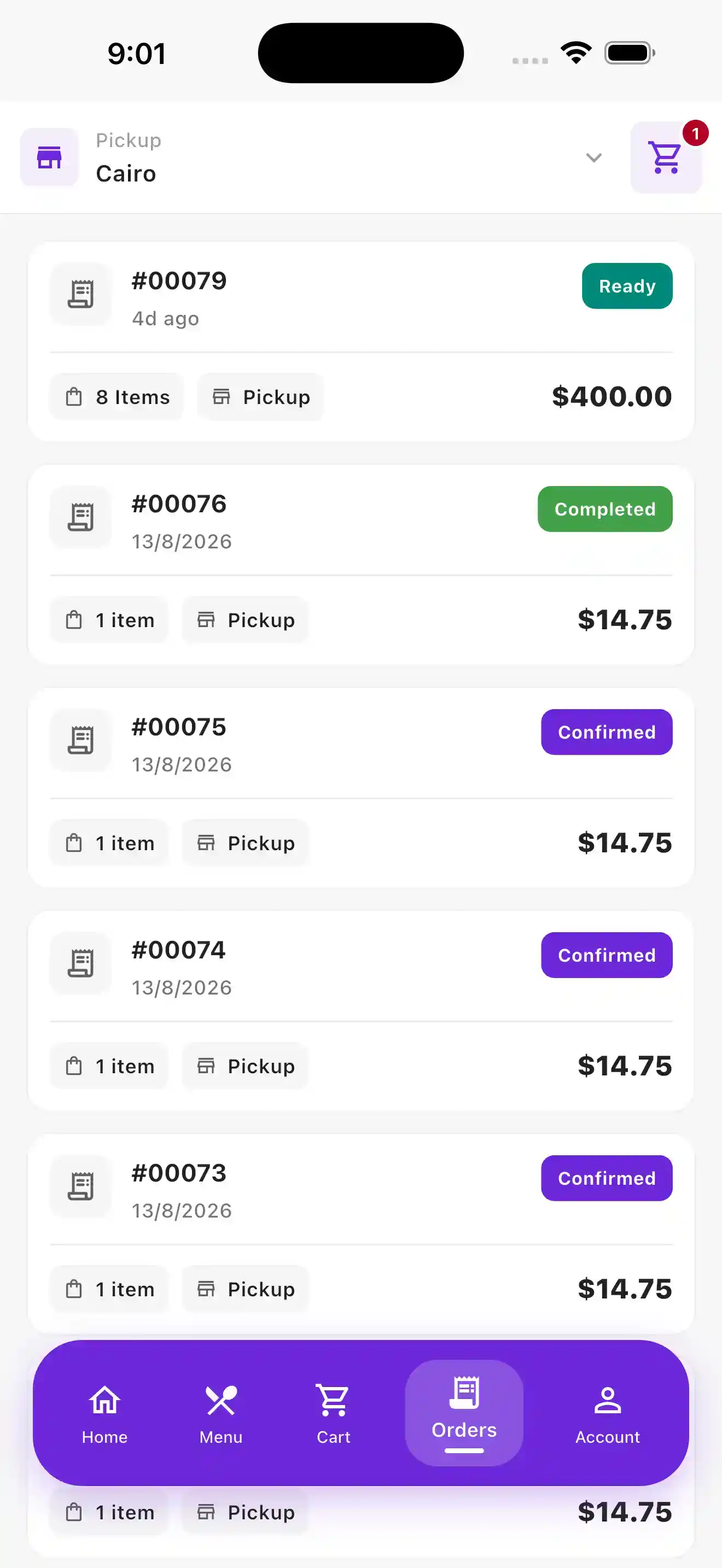
Recent Orders — Ordavya screen

CUSTOMER APP

Recent Orders

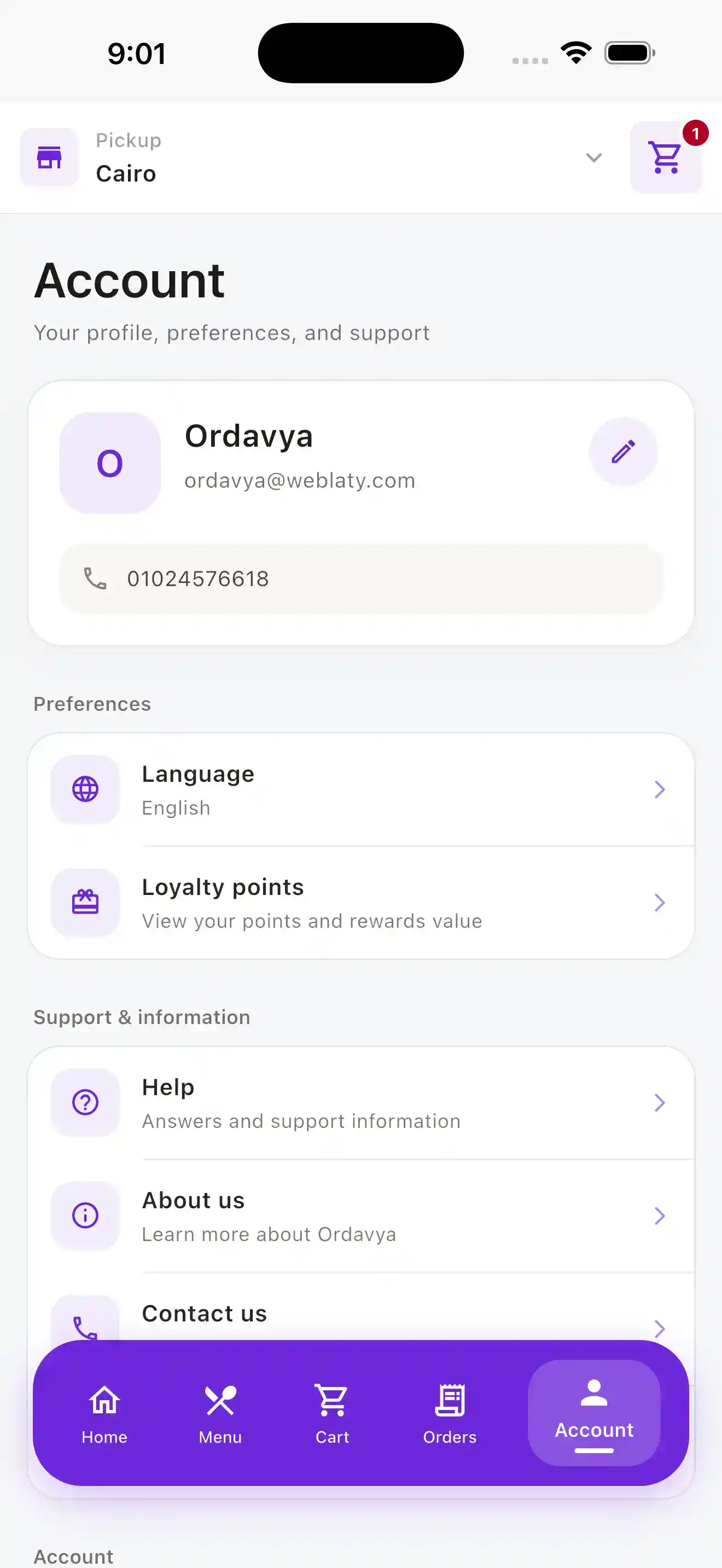
Customer Account — Ordavya screen

CUSTOMER APP

Customer Account

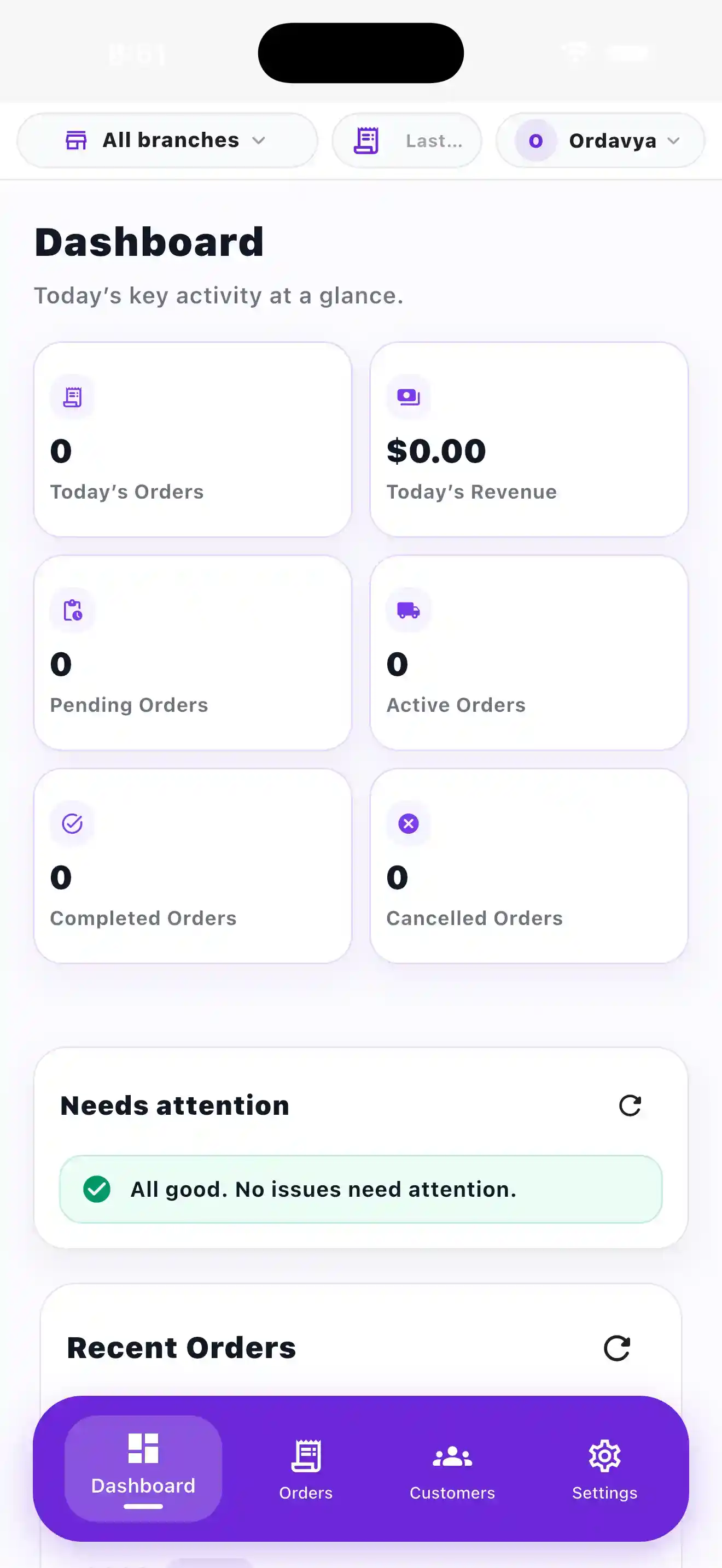
Dashboard — Ordavya screen

ADMIN APP

Dashboard

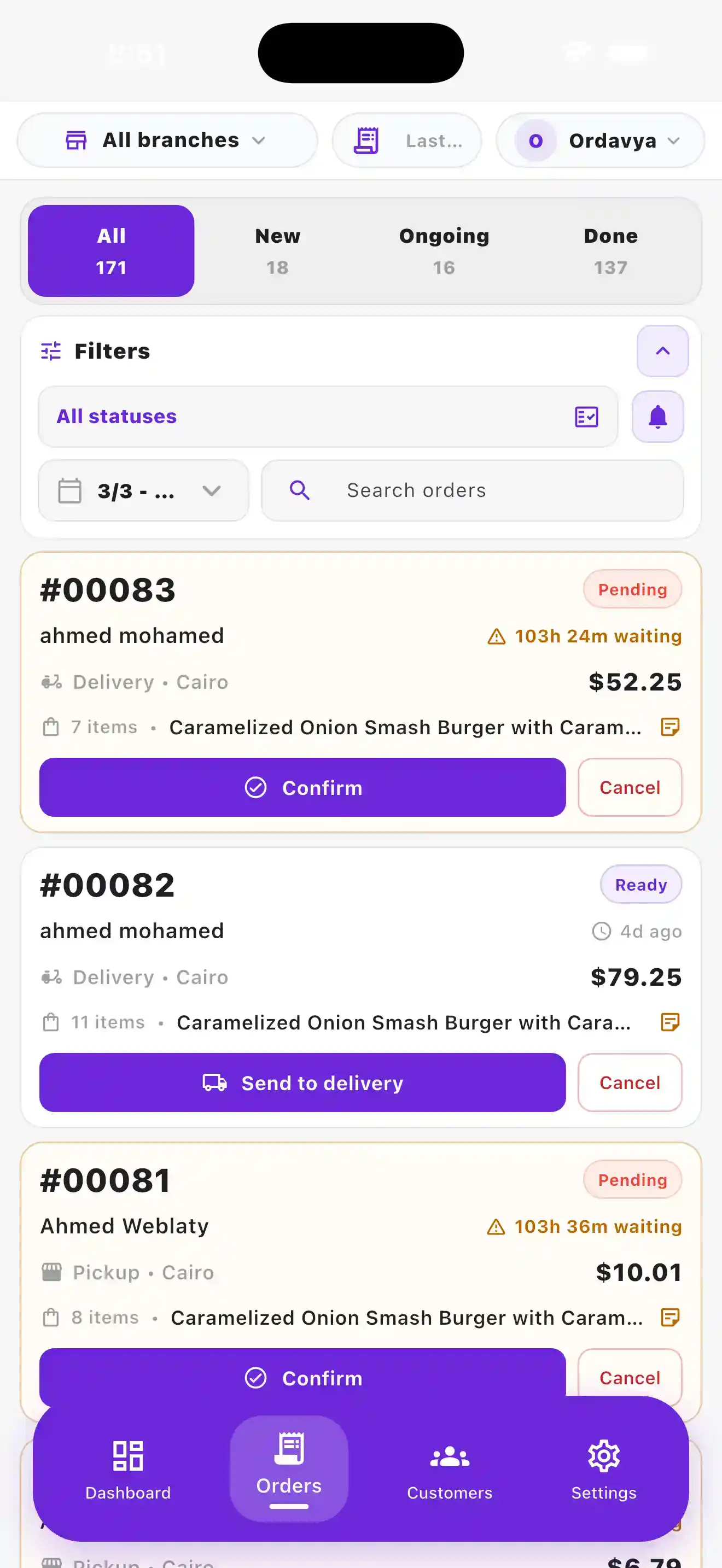
Order Management — Ordavya screen

ADMIN APP

Order Management

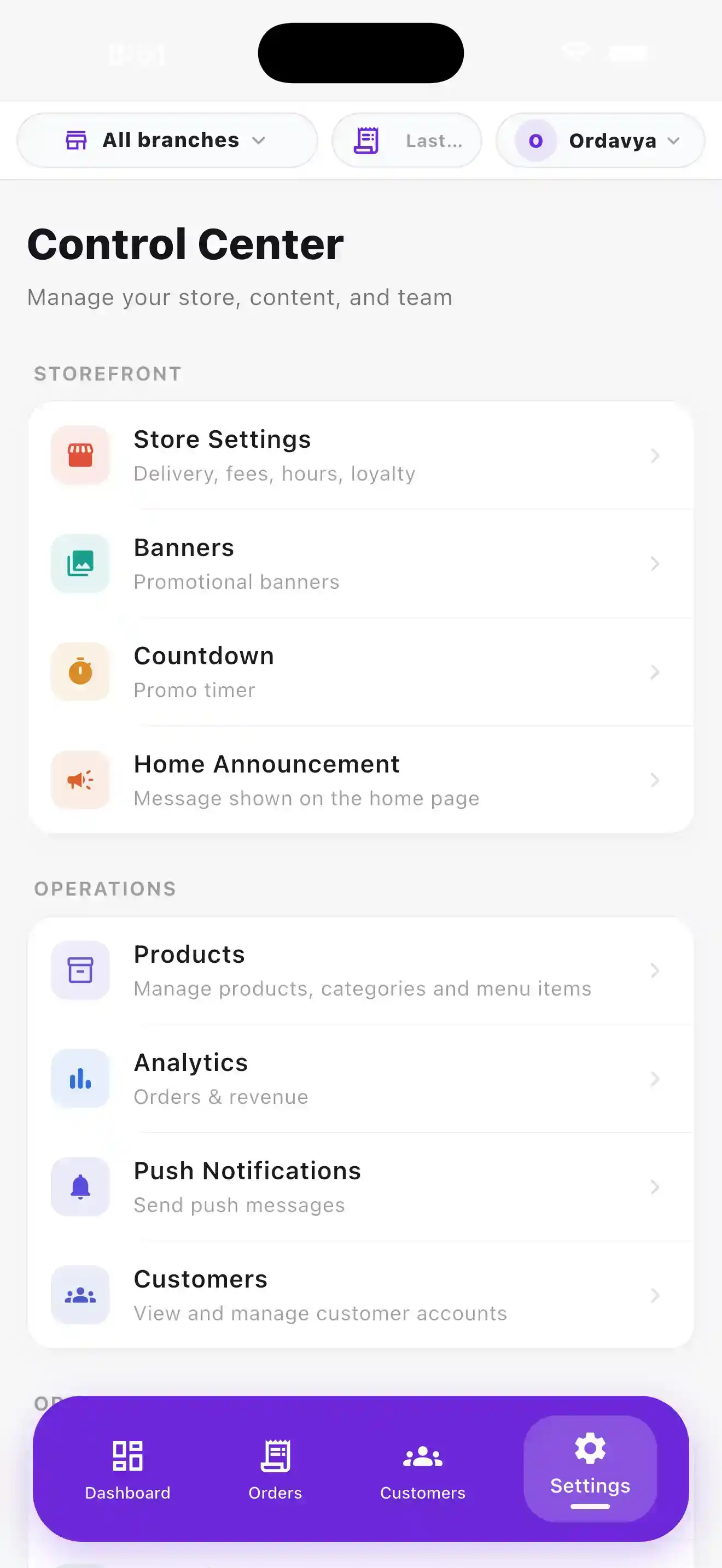
Control Center — Ordavya screen

ADMIN APP

Control Center

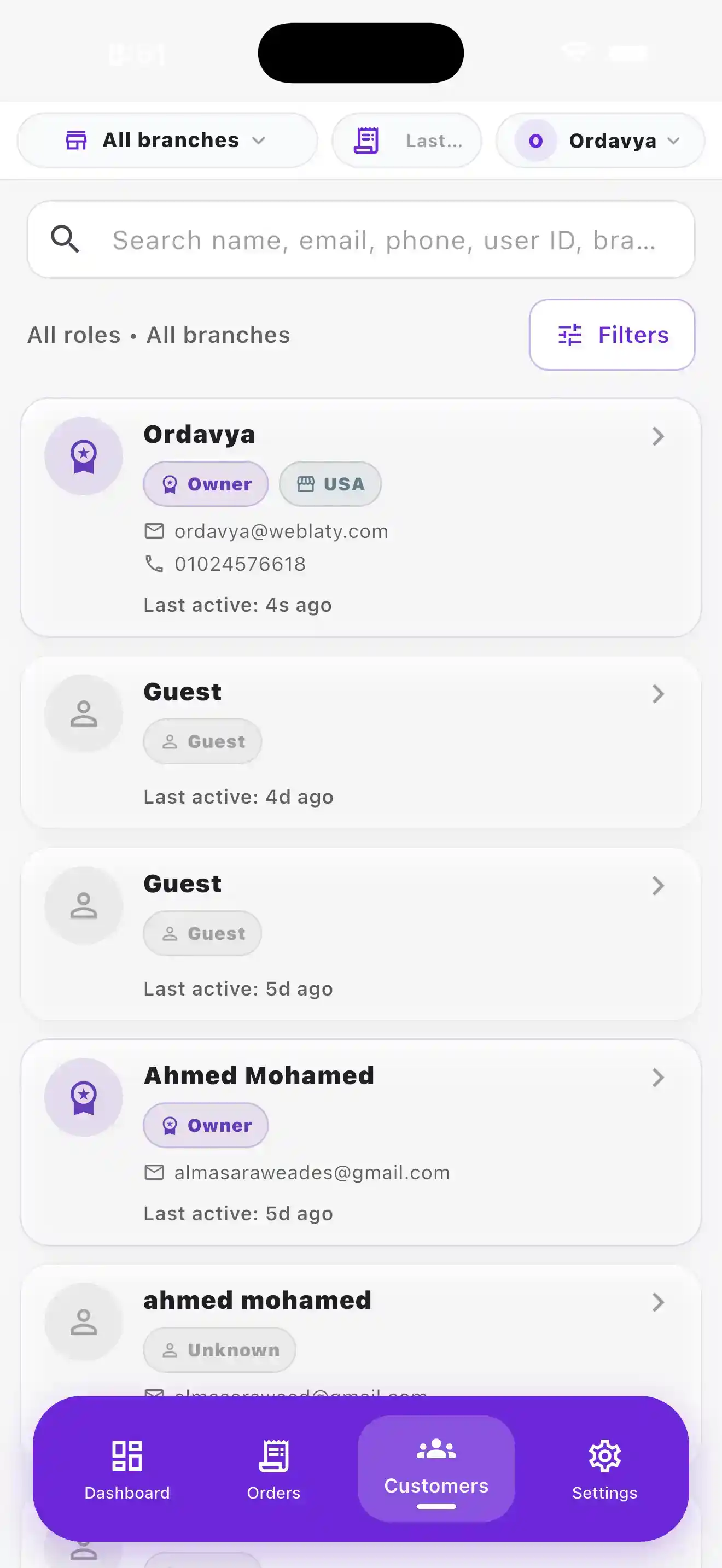
Customers — Ordavya screen

ADMIN APP

Customers

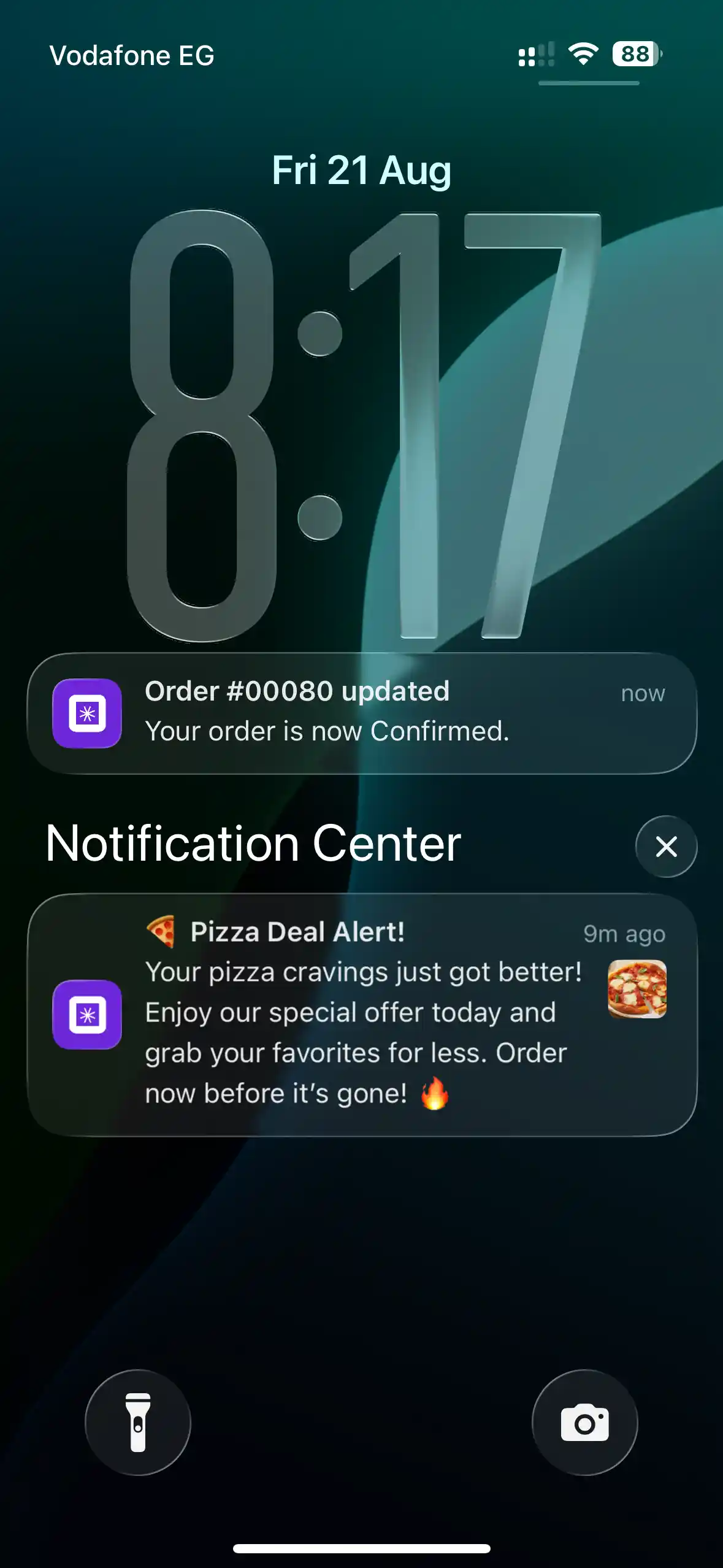
Push Notifications — Ordavya screen

ENGAGEMENT

Push Notifications

Let’s find the right setup for your restaurant.

Visit the Help Center

Your next step

Choose the right solution for your restaurant, or find quick answers in the Help Center.