
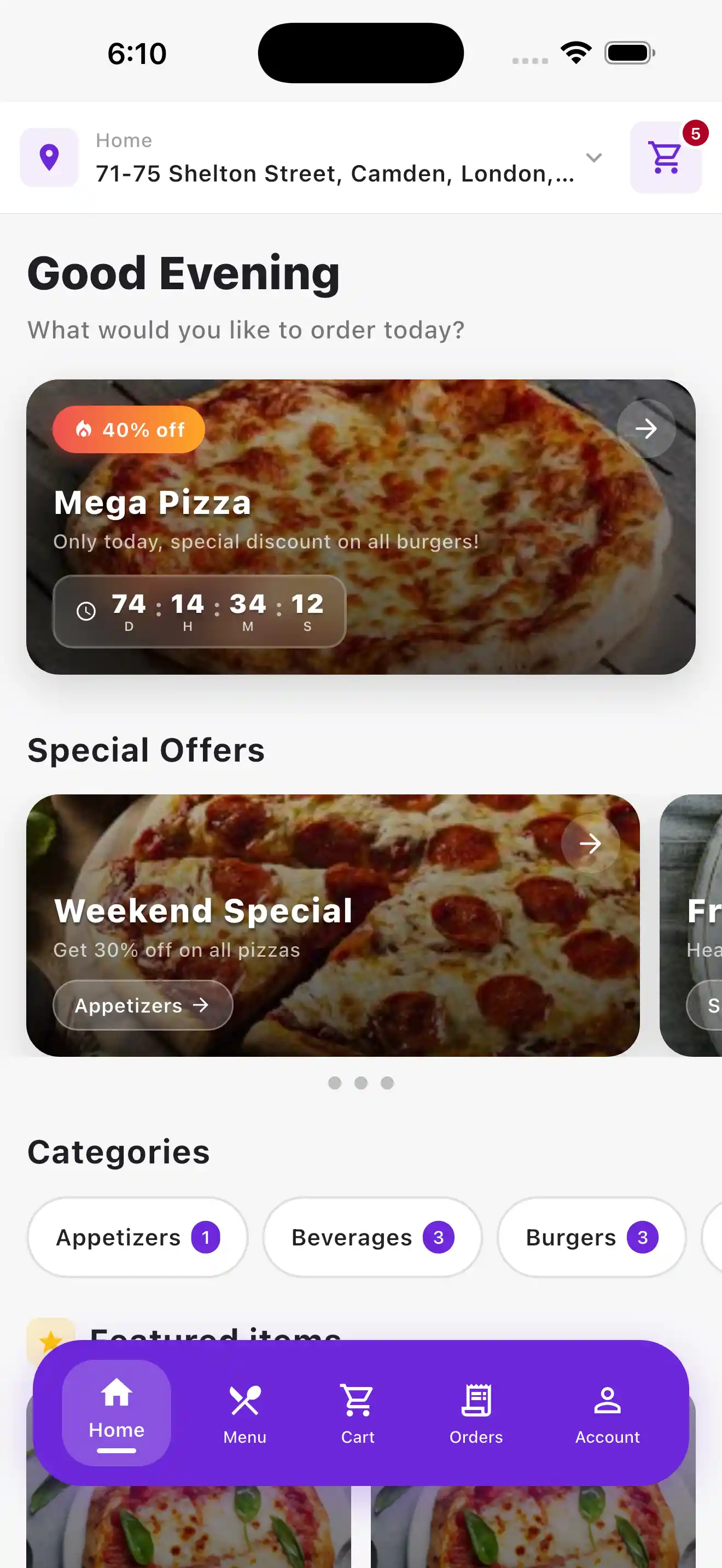
Home
Location, promotions, categories and featured products.
● Ordavya Customer App
Give customers a practical mobile app for browsing the menu, placing orders, using rewards, checking order status, and managing their account.
● Customer App
Five main tabs keep menu browsing, checkout, orders, and account information easy to find.
Location, promotions, categories and featured products.
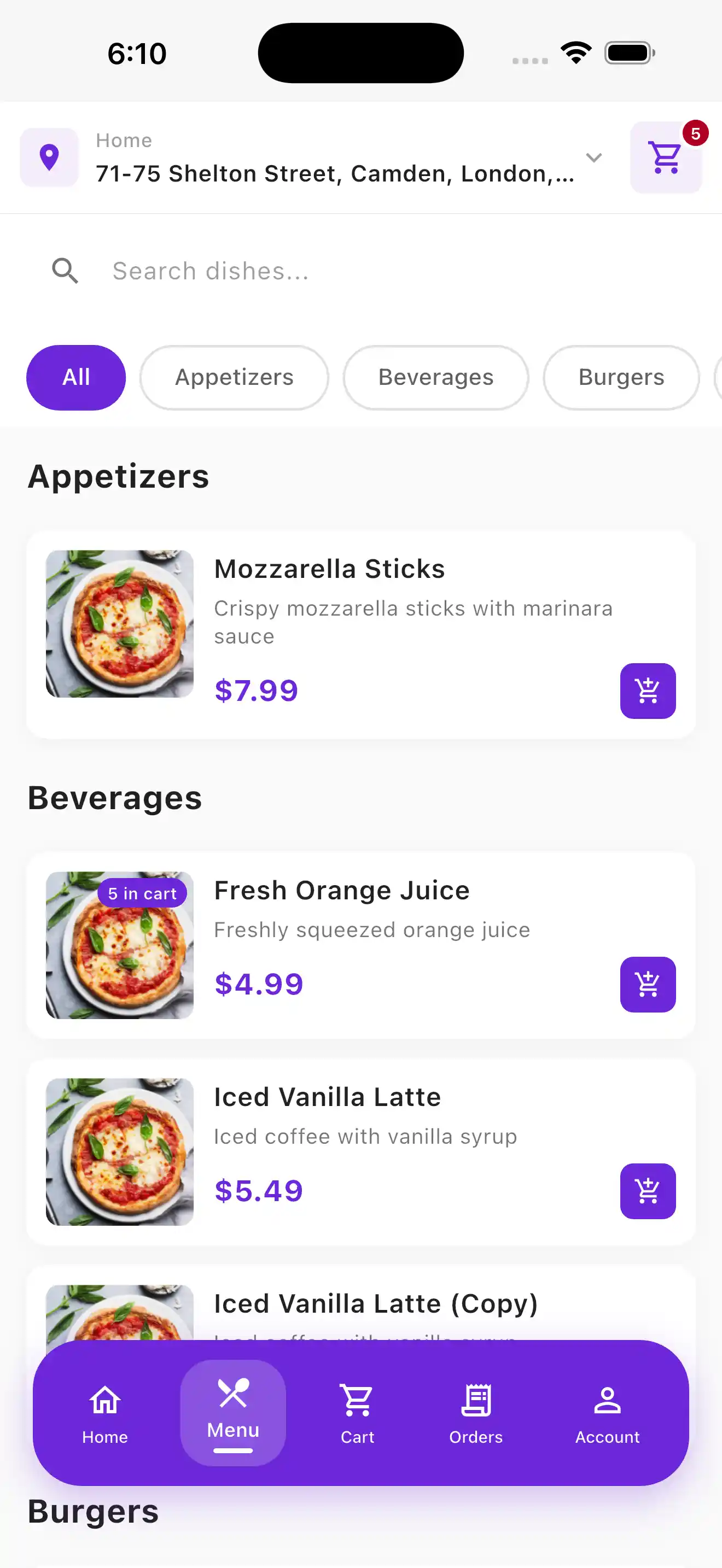
Browse all products with search and category filtering.
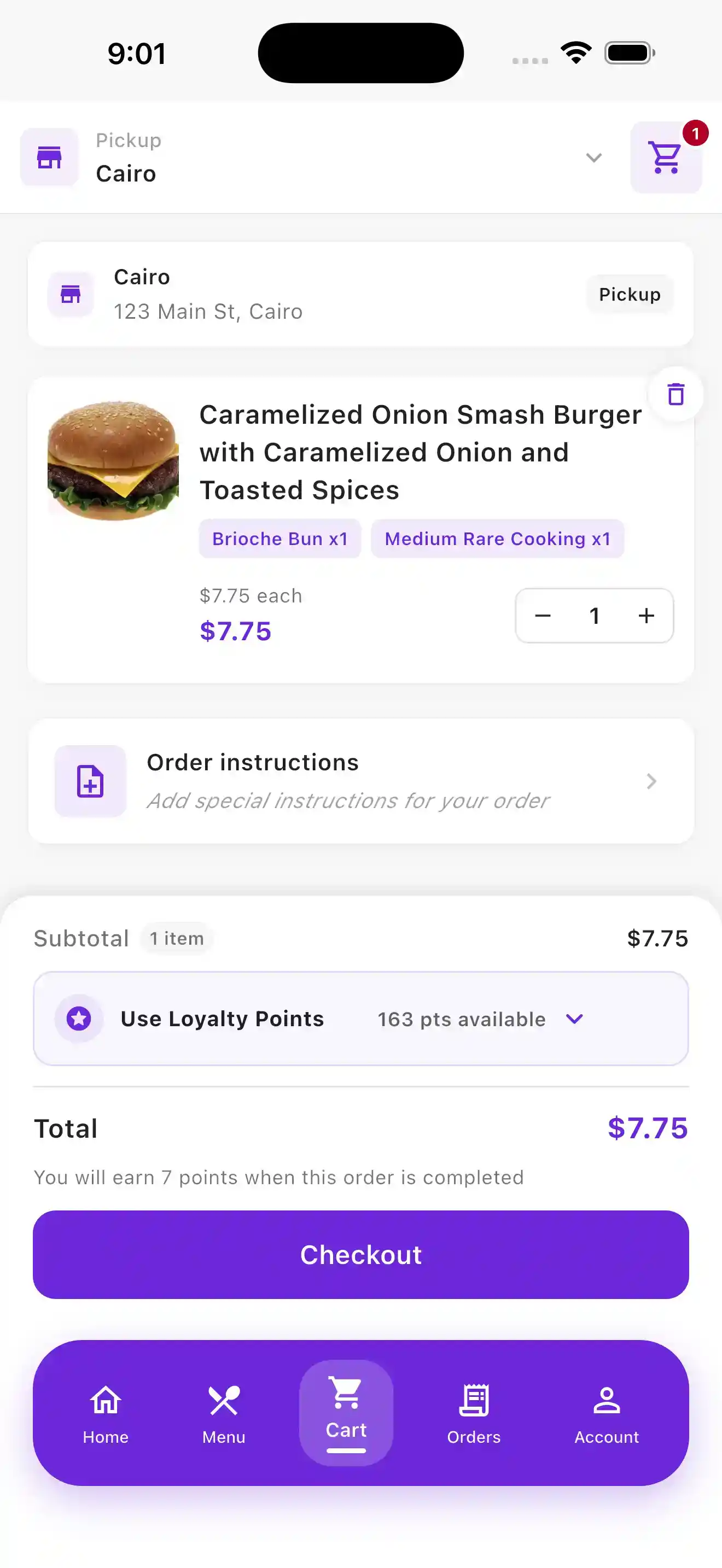
Review the order, use loyalty points and continue to checkout.
Review recent orders together with order numbers and statuses.
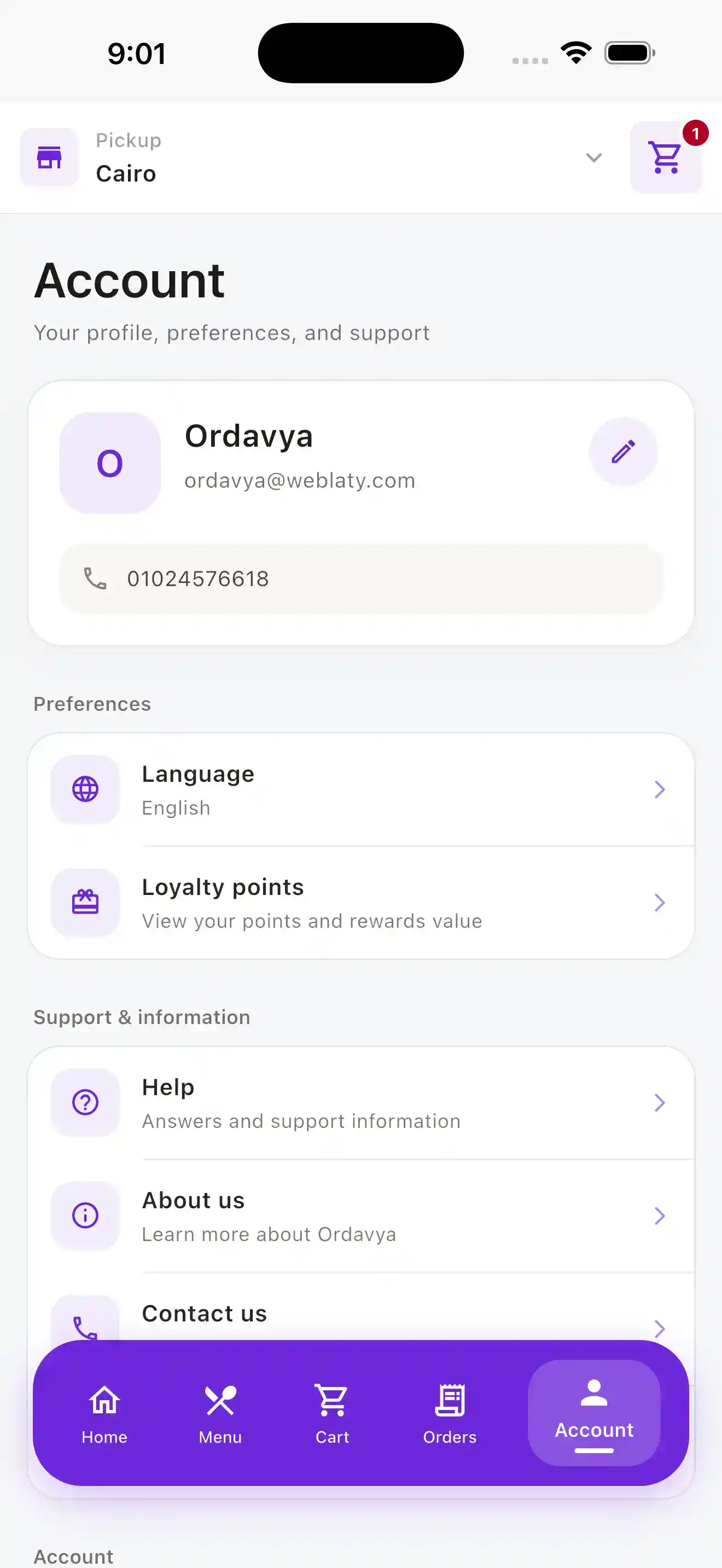
Profile information, loyalty, language and customer support.
01 / HOME
A quick view of location, restaurant promotions, categories and products worth discovering.
02 / MENU
Search, categories and clear product presentation help customers move naturally through the menu.
03 / CART
Customers review their order, apply loyalty points and move directly to checkout.
04 / ACCOUNT
Account details, loyalty information, language and support stay available in one place.
01
A customer experience carrying your restaurant identity.
02
Orders remain between your restaurant and its customers.
03
Rewards are part of the same ordering journey.
04
A consistent experience across supported mobile platforms.
● Helpful information
Yes. The customer app carries your restaurant identity. Ordavya supports the App Store and Google Play submission process, and your own developer account may be required when a store requires it.
Yes. The Ordavya customer app is available for supported iOS and Android devices.
Yes. Customers can browse the menu, build and place an order, review recent orders and follow order-status updates in the same experience.
Yes. Ordavya 360 includes the branded website, customer app, and admin tools, with shared restaurant and ordering information.
Your next step
Choose the right solution for your restaurant, or find quick answers in the Help Center.