
Online Ordering & Checkout
Customers can build their order, select product options and complete checkout directly with your restaurant.
● Ordavya Services
Choose a branded ordering website, mobile apps, or the full Ordavya package with loyalty, delivery, and management tools.
● What We Provide
Start with web or mobile, or use Ordavya 360 for the complete customer and management setup.
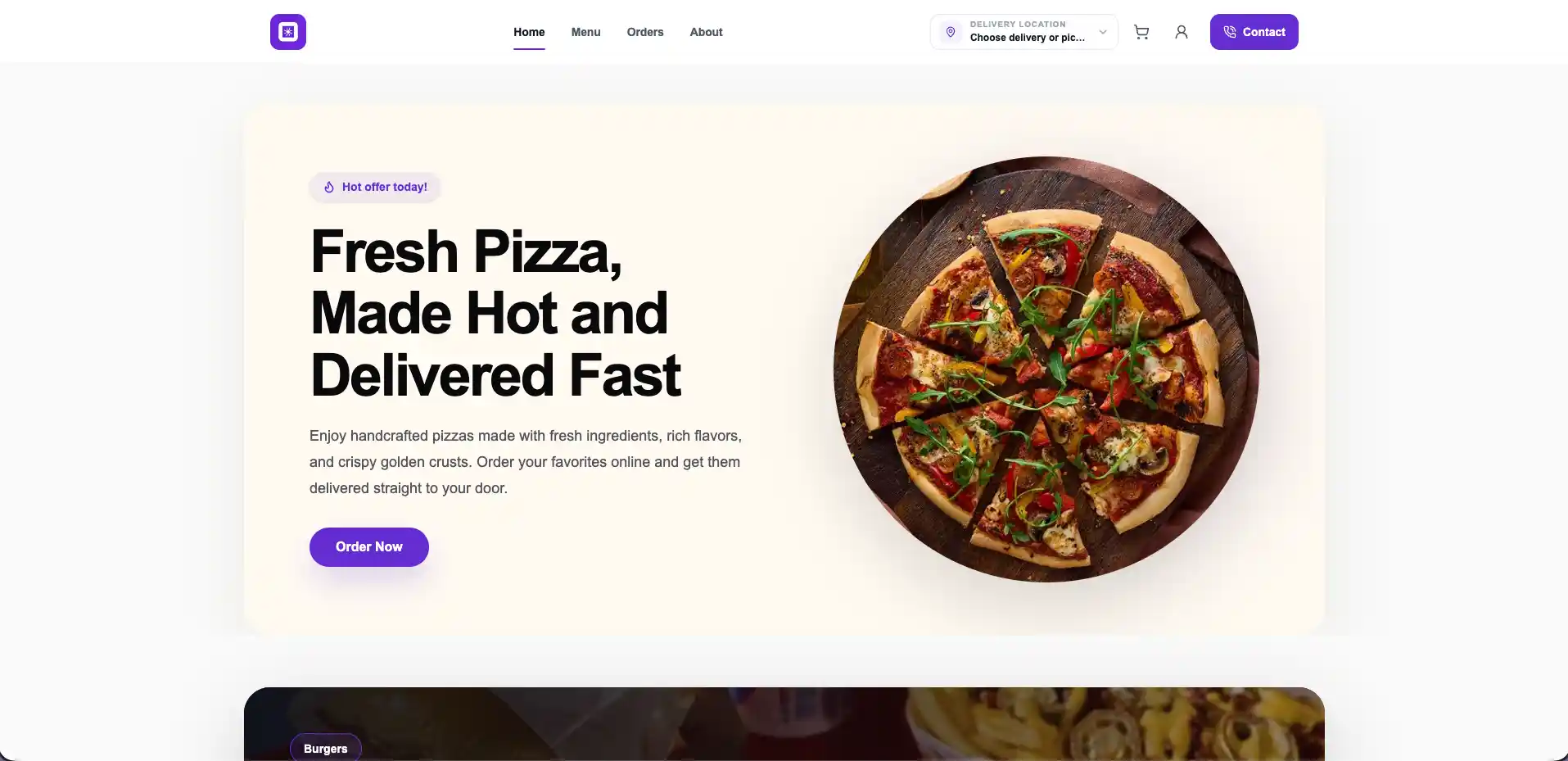
ORDAVYA WEB
Give customers a direct online destination to discover your menu, place orders and interact with your restaurant.
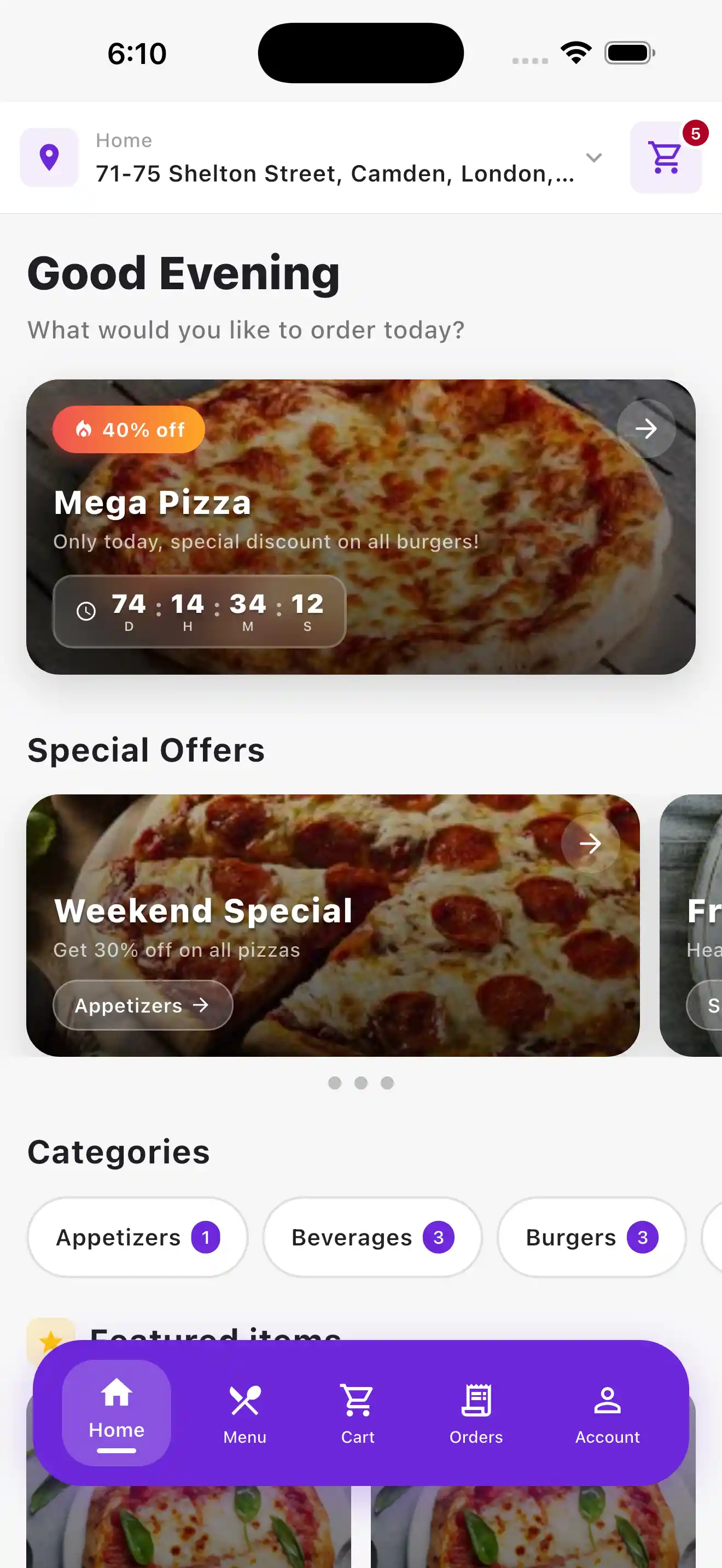
ORDAVYA MOBILE
Put your restaurant on iOS and Android with a branded customer app plus a dedicated app for managing restaurant operations.
ORDAVYA 360
Use your website, mobile apps, digital menu, ordering and restaurant administration under one subscription.
● Website & Digital Menu
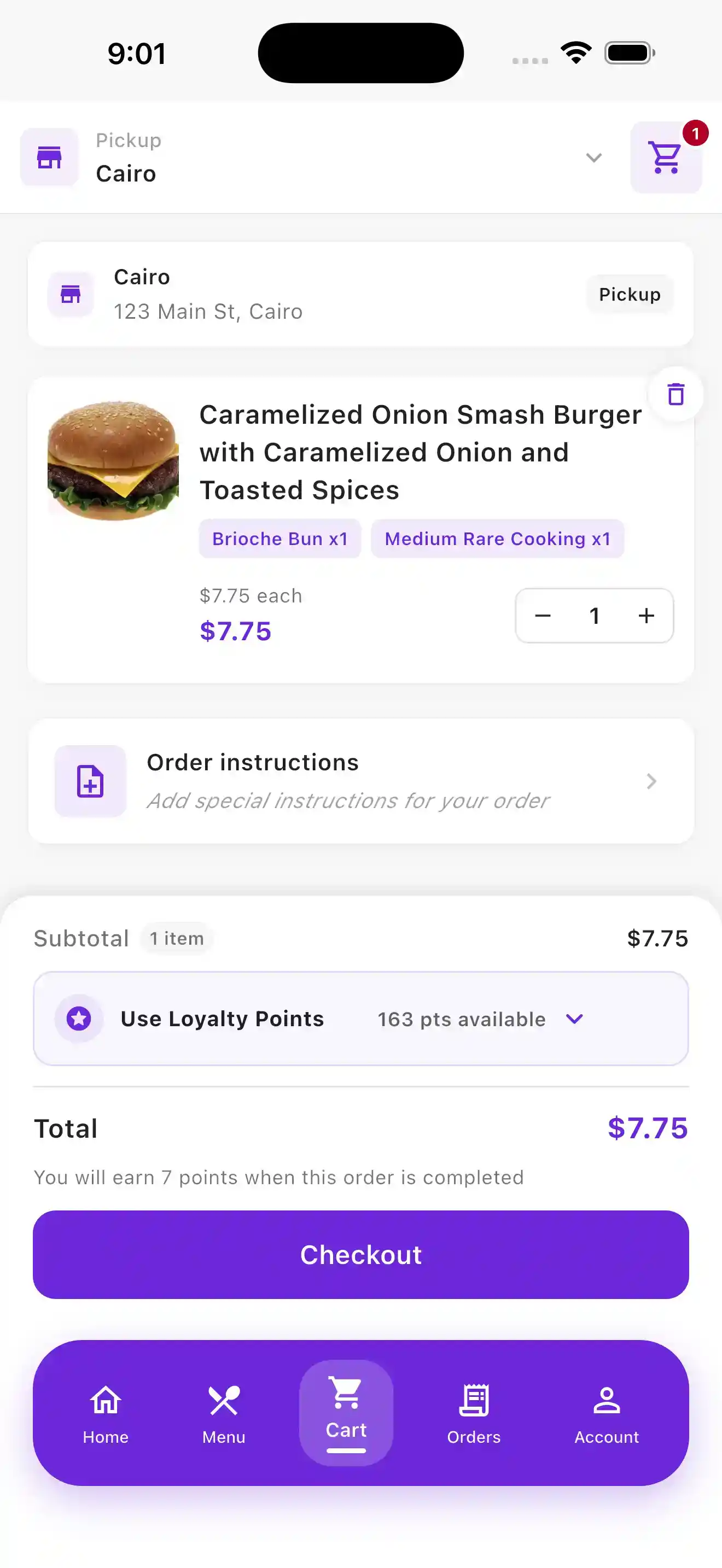
Ordavya Web gives your restaurant a branded online presence built around your menu and ordering experience, helping customers order directly from your restaurant.
A customer-facing experience designed around your restaurant's branding and identity.
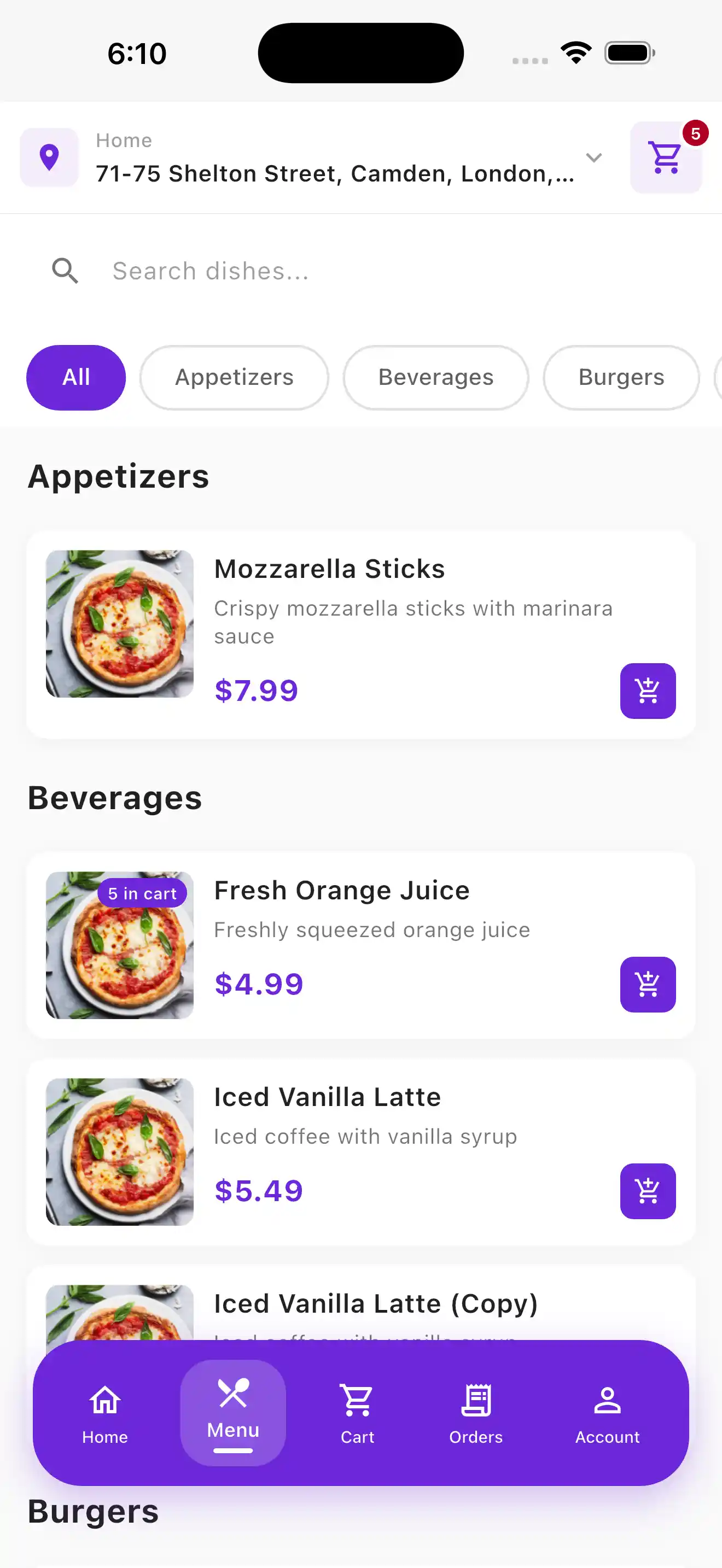
Let customers browse categories, products, options, availability and featured items online.
Customers can build their order and complete checkout directly with your restaurant.
● Customer & Admin Apps
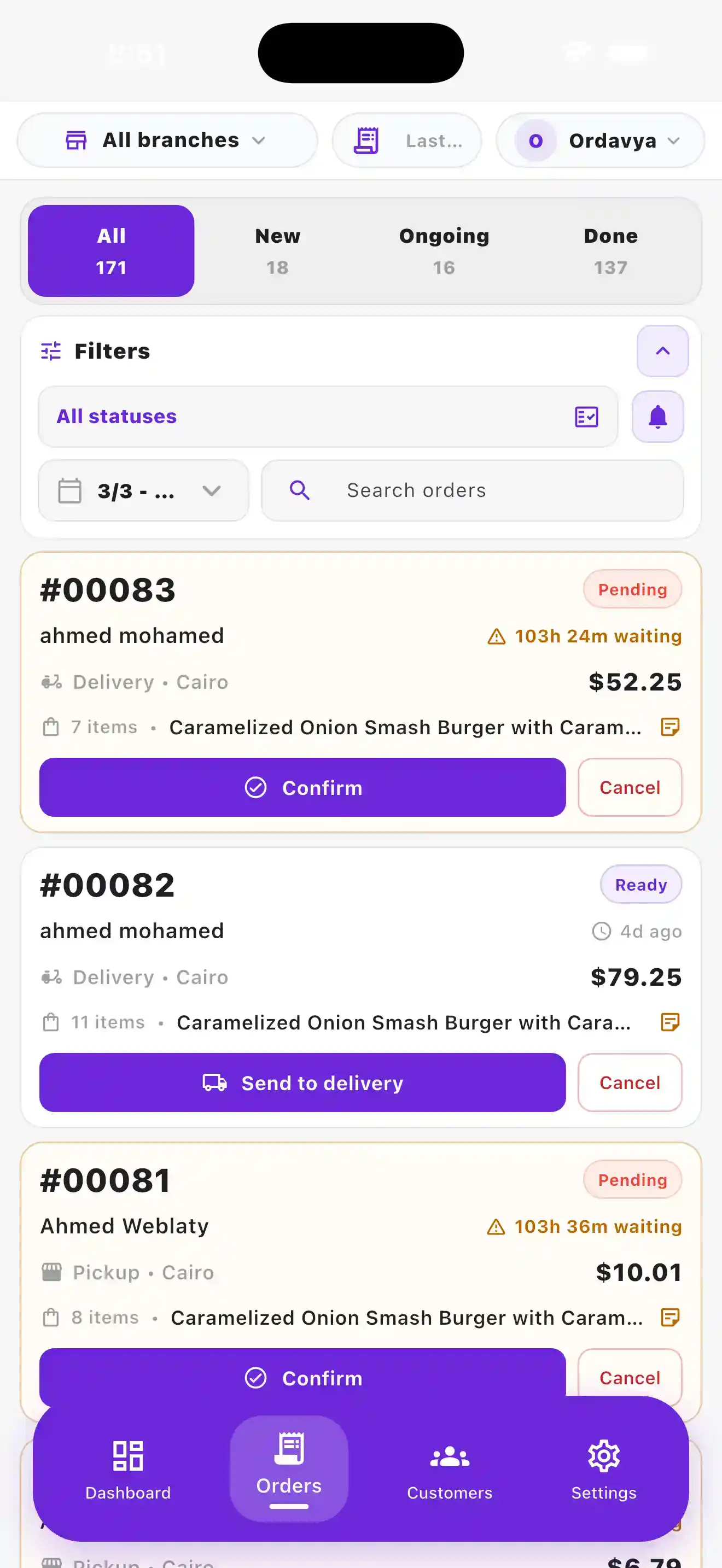
Give customers a branded mobile experience while giving your team a dedicated mobile app for staying connected with restaurant operations.
Customers can browse, order, manage their account, earn loyalty rewards and follow their orders.
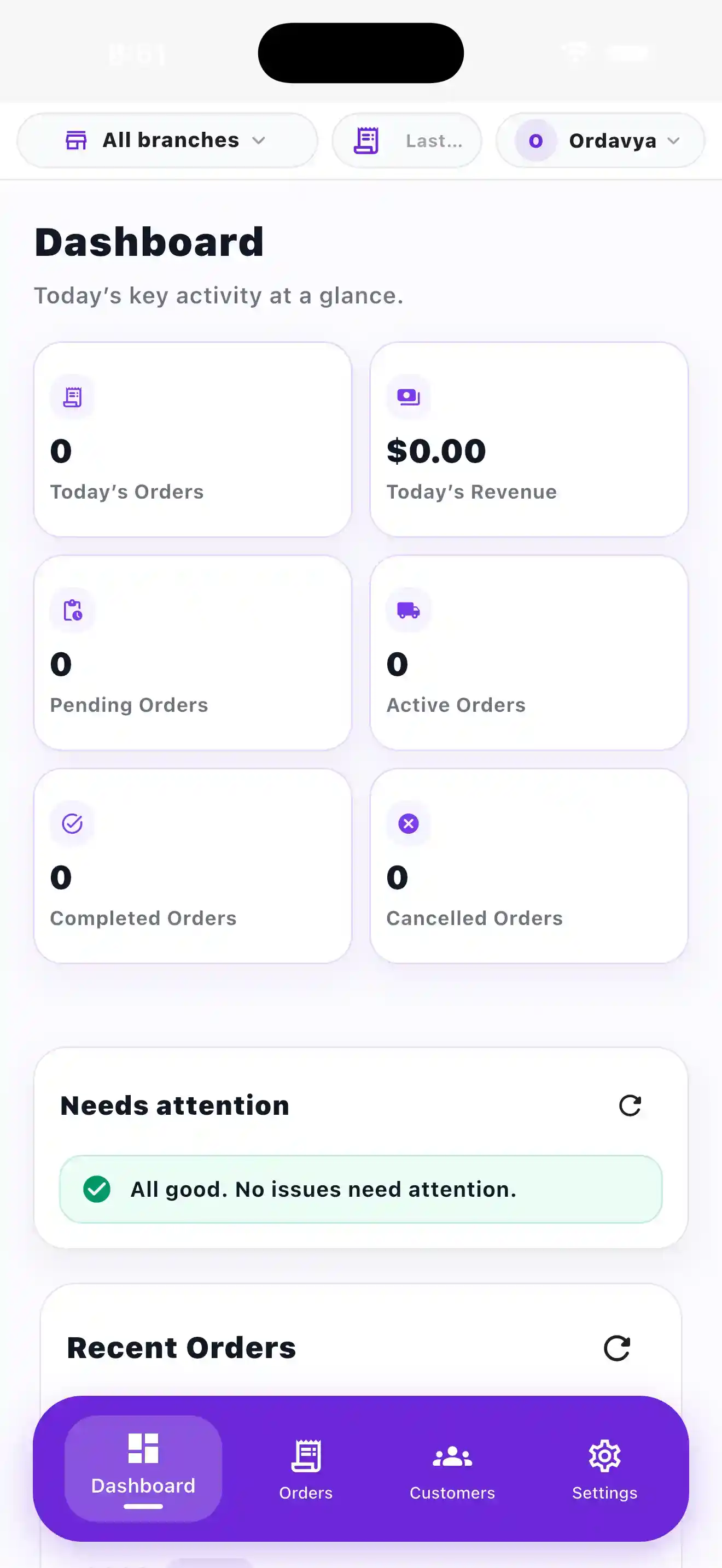
Give restaurant teams mobile access to the tools they need to manage daily activity.
Ordavya handles the publishing process and reasonable submission support for supported app stores.
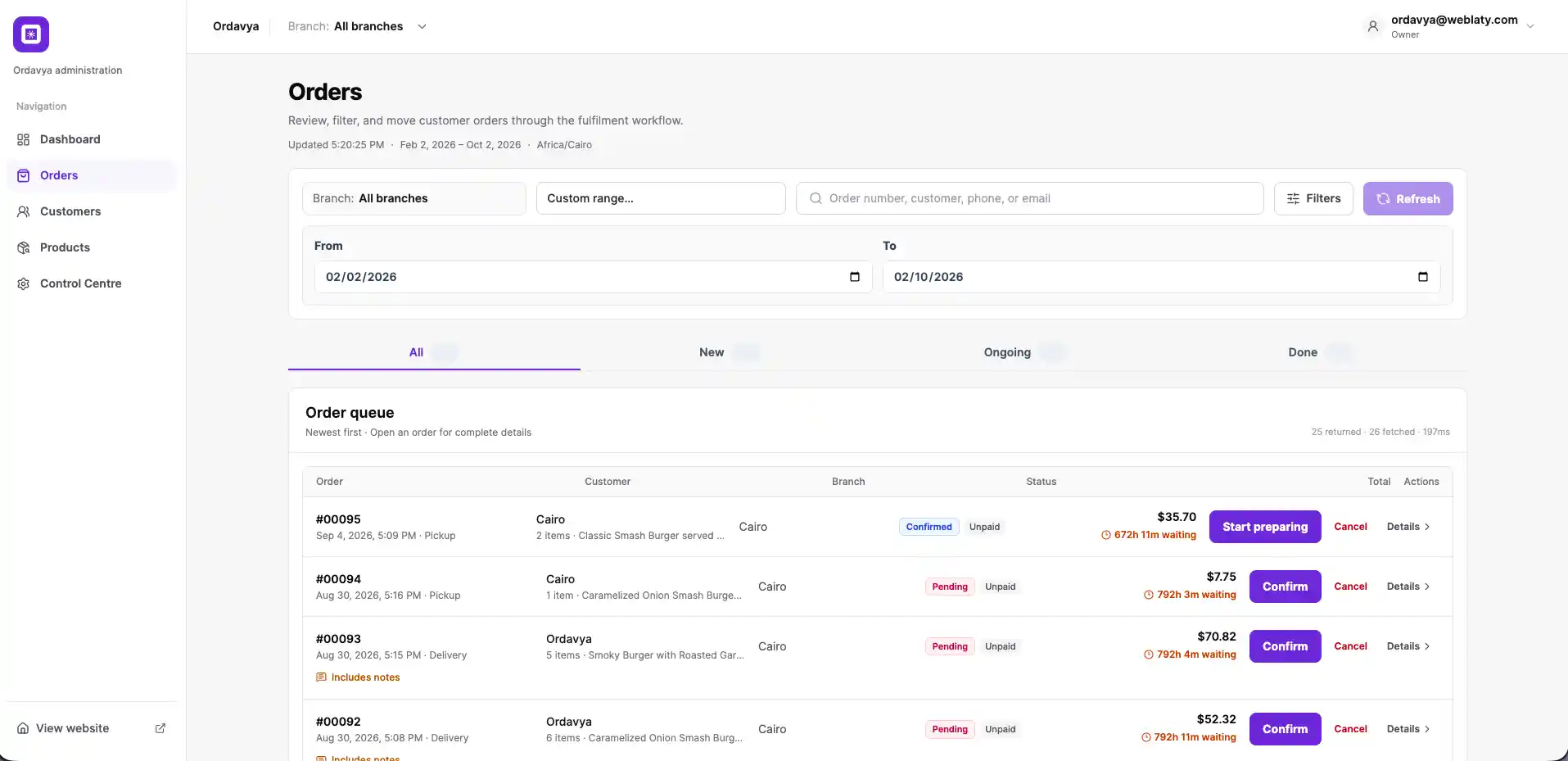
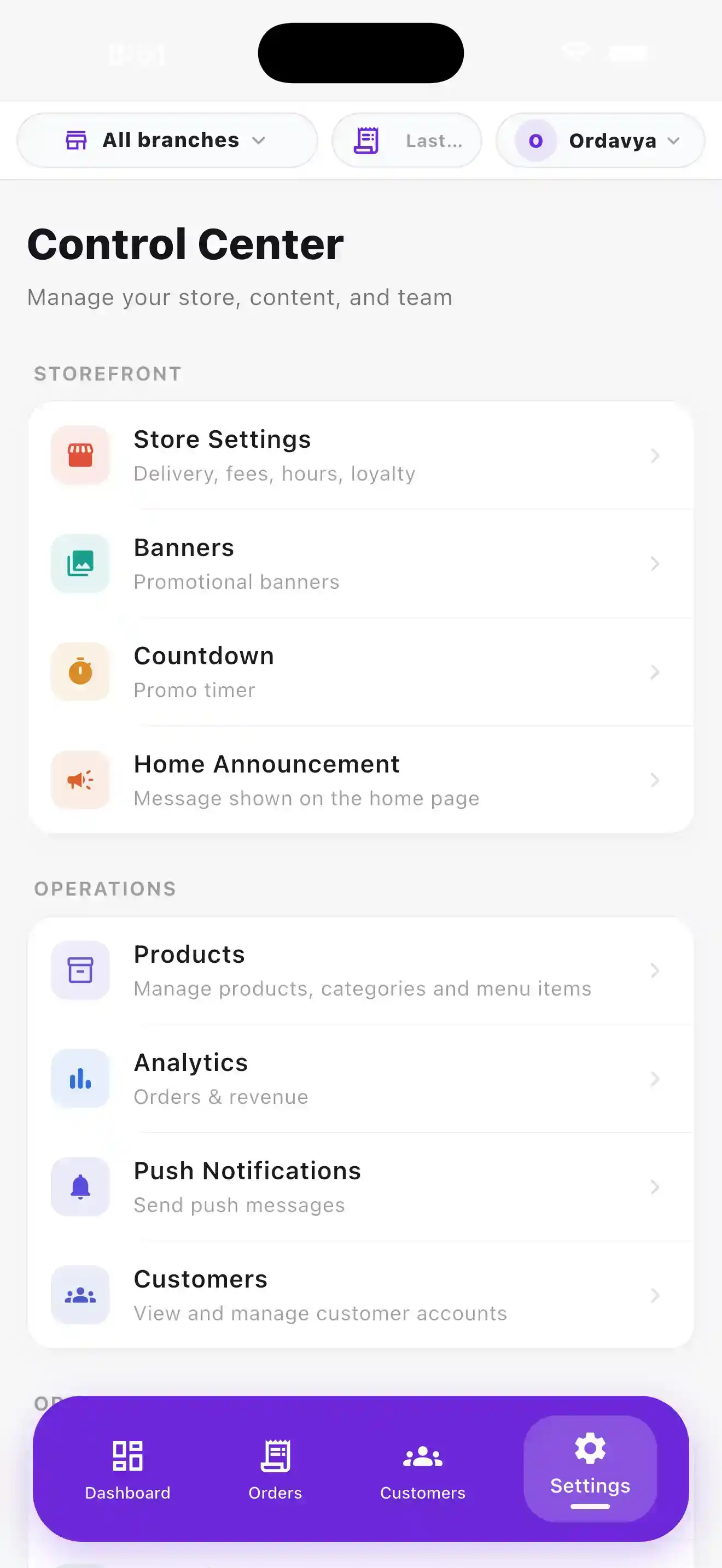
● Restaurant Management
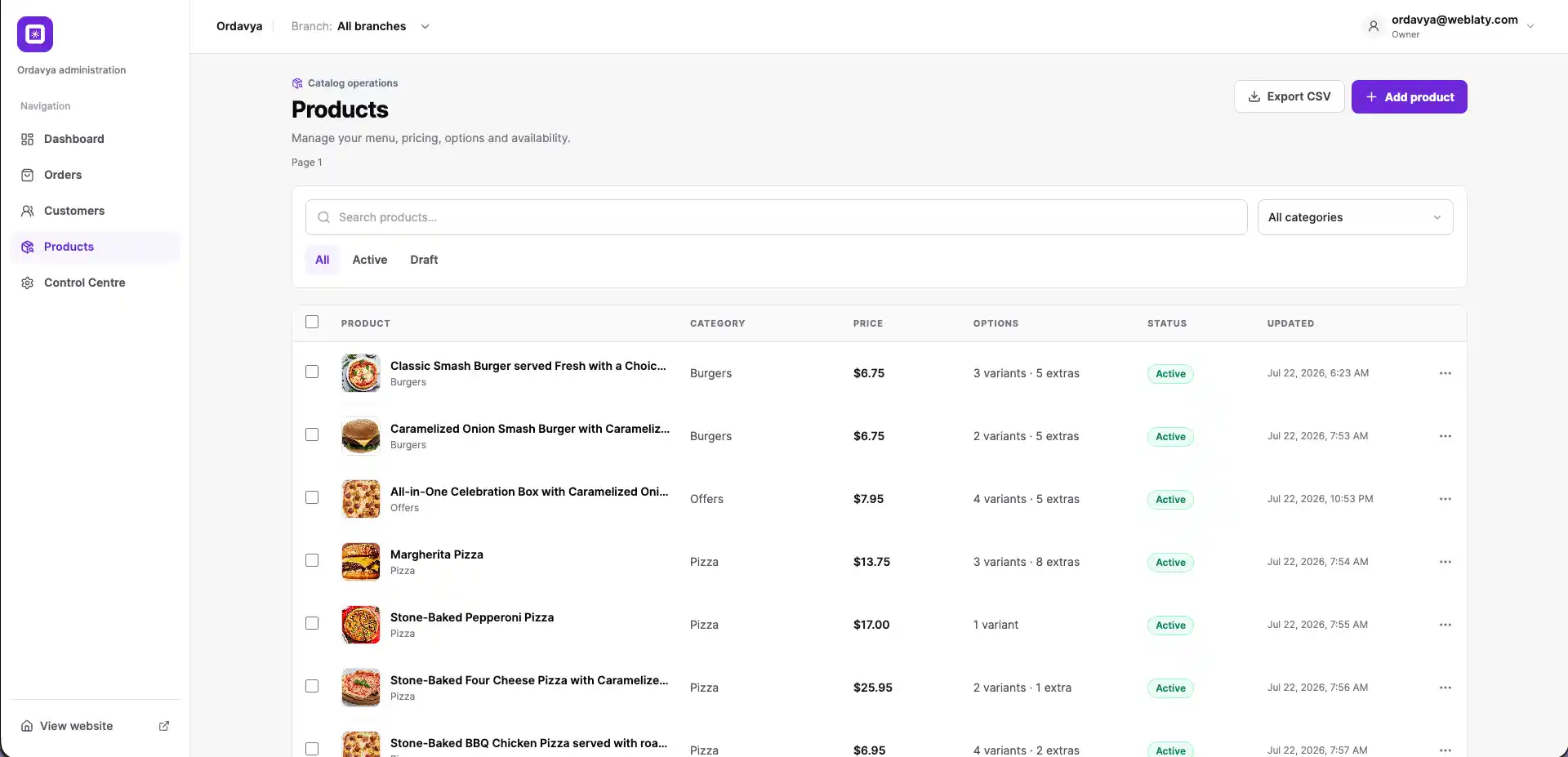
Keep orders, menus, staff access, branches, and customer activity organized for your team.
Incoming orders and status changes update across the management dashboard.
Manage categories, products, options, availability and featured items.
Control access for restaurant teams using role-based permissions.
Keep operations organized across supported restaurant branches.
● Platform Capabilities
Configure the services your customers use and the information your restaurant team manages.
Customers can build their order, select product options and complete checkout directly with your restaurant.
Reward repeat customers with configurable loyalty points and flexible redemption options.
Give customers flexible fulfillment options while managing delivery availability.
Keep customers informed with real-time updates as their order moves through the restaurant.
Give customers access to their profile, previous orders and personalized ordering experience.
Help customers choose delivery locations quickly using saved addresses and location tools.
Highlight selected items and promotions throughout the customer ordering experience.
Support sizes, variants, options and add-ons for flexible menu configuration.
ONGOING SERVICE
Standard hosting, platform updates, maintenance, and support remain available while your subscription is active.
01
Keep your Ordavya services online without arranging separate standard platform hosting.
02
Receive standard product improvements released for the Ordavya platform.
03
Routine maintenance supports the continued operation of subscribed services.
04
Contact the Ordavya team when you need help with your subscription.
● Helpful information
Ordavya brings together a branded restaurant website, digital menu, direct online ordering, customer and admin apps, loyalty, delivery options and restaurant management tools, depending on the selected plan.
Yes. Your Ordavya website or customer app gives customers a direct channel to browse the menu, build an order and complete checkout with your restaurant.
Yes. The customer-facing experience is designed around your restaurant's name, identity and digital presence.
Standard platform hosting, updates, maintenance and support are included while your subscription is active. Separate third-party fees are explained on the pricing page and in the terms.
● Getting Started
We collect the restaurant, brand, menu, and operating information required to configure the selected products.
01
Select Ordavya Web, Ordavya Mobile, or Ordavya 360 according to the products your restaurant needs.
02
Provide the restaurant identity and business information needed for setup.
03
Set up the menu, branches, ordering preferences, and operational details.
04
Review the configured service, launch it, and begin managing daily activity.
Your next step
Choose the right solution for your restaurant, or find quick answers in the Help Center.